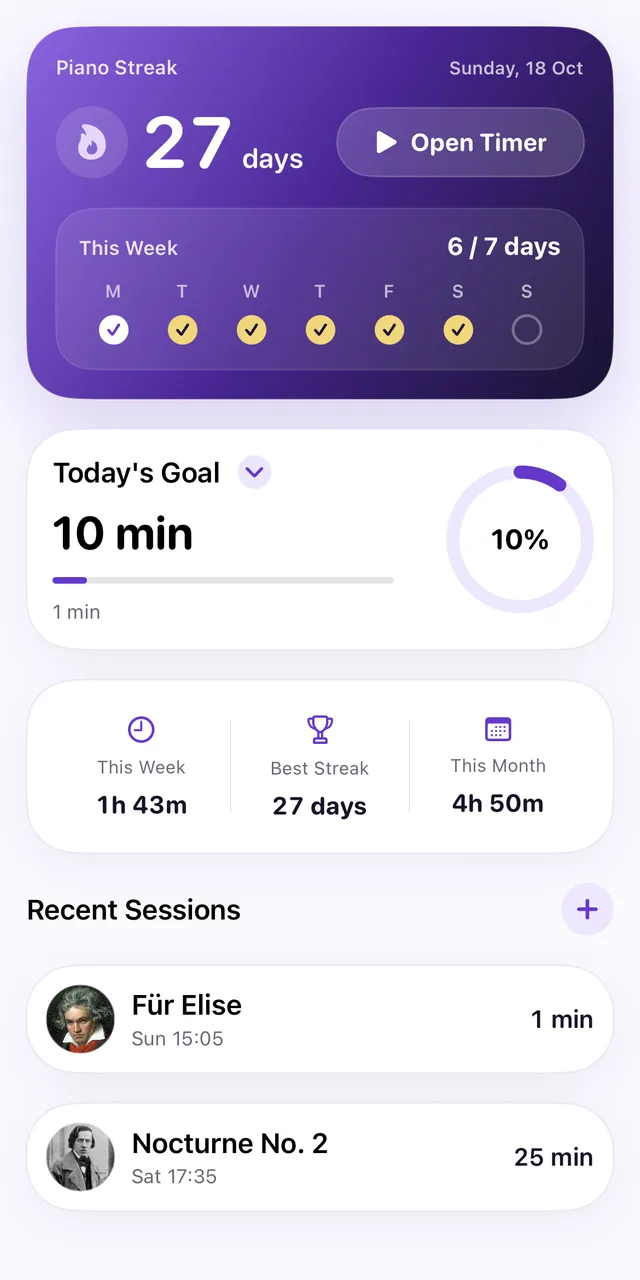
Piano Streak times every practice session, keeps the time, notes and tempo for each piece, and turns the days you play into a streak you’ll want to keep.
9:41
Piano StreakSunday, Oct 18
267daysOpen Timer
This Week67 / 7 days
M
T
W
T
F
S
S
9:414:12Goal 5 min
Discard
Piano Streak at a glance
What it is
A piano practice tracker and habit app
Price
Free to download, with an optional Pro upgrade
Devices
iPhone (iOS 18 or later) and Apple Watch (watchOS 10 or later)
Languages
11, from English and Japanese to Polish and Traditional Chinese
Made for
Beginners, adults returning to piano, and students
Everything you need to practice regularly
Built around a simple loop: choose what to play, start the timer, and watch your practice add up.
01Practice timer
Time every session — or add it later
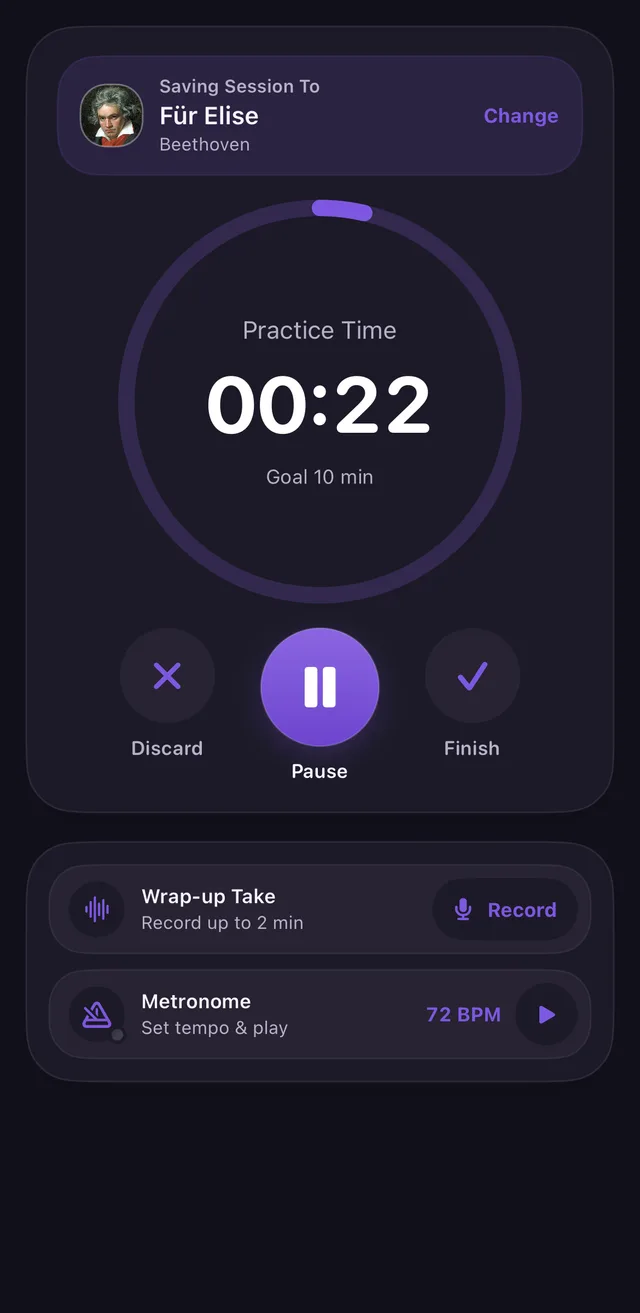
Choose a piece or general practice and start the timer. Pause when you need to and save when you’re done. Practiced away from your phone? Log a past session by hand, with its date and length.
Timer with pause, on iPhone and Apple Watch
Manual entry for past practice
A Live Activity keeps the timer on your Lock Screen
9:41
02Practice by piece
See where your practice time goes
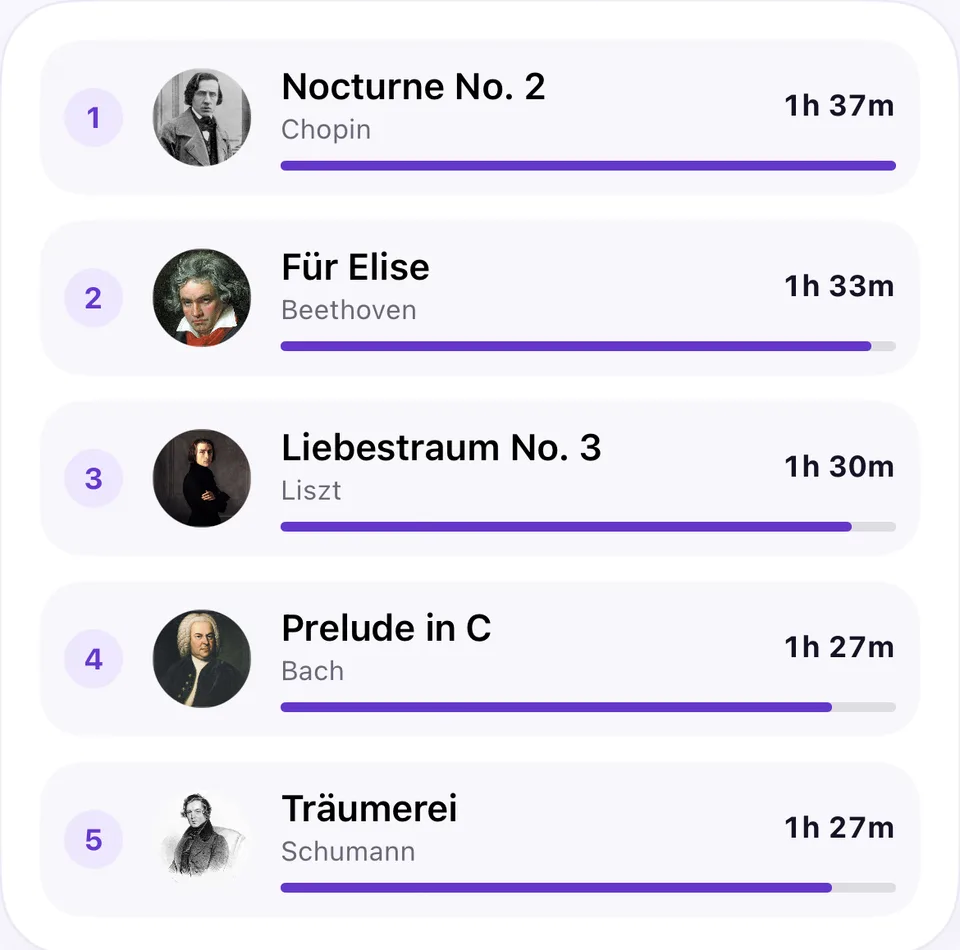
Keep your pieces and exercises in one place. Each piece gets its own practice time, notes and working tempo, and a ranking shows which pieces get most of your time.
Practice time, notes and tempo for each piece
Pieces ranked by total practice time
Scan sheet music to add a piece
03Streak & daily goal
A streak that brings you back
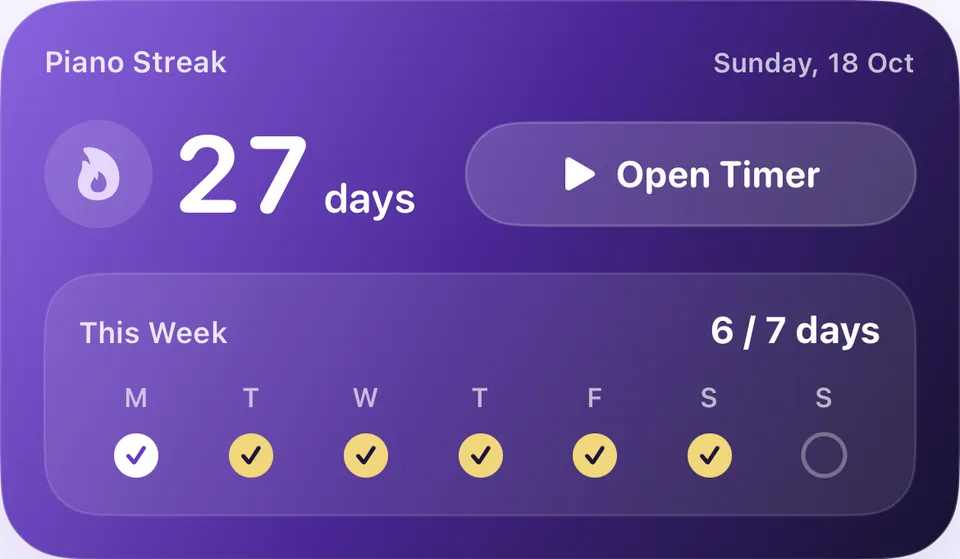
Every day with at least 5 minutes of practice extends your streak. Set a daily goal that fits your life, choose practice reminders, and watch the week fill with checkmarks.
Daily goal and practice streak
Reminders at the times you choose
Home Screen widget and a weekly recap
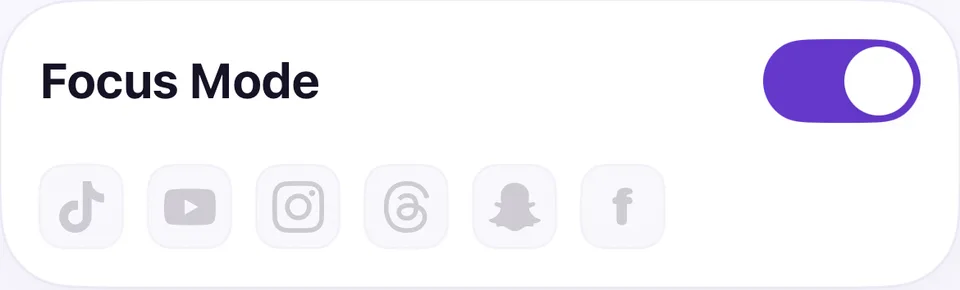
04FocusPro
Put distracting apps on hold
App Lock uses Apple’s Screen Time to block the apps you choose until today’s practice is done. Prefer a nudge? A Screen Time alert reminds you to practice after a set time in those apps.
Blocks the apps you choose until you’ve practiced
Choose the hours it applies
An emergency unlock when you really need it
Tools for more effective practice
Sheet music scan
Point your camera at a title page and the title and composer fill in, with a composer portrait when one is available. Text recognition runs on your iPhone; AI suggestions are optional.
Progress history
A year calendar, weekly and monthly totals, and a practice log by day and by piece show how far you’ve come.
Metronome
A built-in metronome keeps you steady, and your working tempo is saved with each piece.
RecordingsPro
Record while you practice, or save a short wrap-up take of your best play and hear how it changes.
Apple Watch
Choose a piece, start and pause the timer, and save from your wrist. Sessions sync to iPhone, and complications show today’s progress on your watch face.
Backup & Restore
Sign in with Apple to back up your practice history and restore it on another iPhone signed in to the same Apple Account.
How it works
1
Choose
Pick a piece, an exercise or general practice.
2
Practice
Start the timer and play. Pause whenever you need to.
3
Save
Your streak, goal and practice history update right away.
For piano players at every stage
Beginners
Build the habit with small daily goals. Five minutes is enough to keep your streak alive.
Returning adults
Coming back to the piano? Keep your repertoire in one place and see your consistency grow.
Students
Keep notes and tempo for each piece between lessons, and see exactly how you practiced.
Free to start. Go Pro when you want more.
Everything you need to build a practice habit is free. Piano Streak Pro adds unlimited pieces, App Lock and recordings.
Free
Practice timer and manual entry
Streak, daily goal and reminders
Progress calendar and statistics
Sheet music scan and metronome
Apple Watch app and widgets
One active piece, plus general practice
Piano Streak Pro
Monthly, yearly or lifetime
Unlimited pieces
App Lock
Screen Time alert
Practice and wrap-up recordings
Everything in Free
Pro is available as a monthly or yearly subscription — the yearly plan starts with a 1-week free trial — or as a one-time lifetime purchase. Prices are shown in your currency in the App Store.
Questions, answered
Is there a free app to track piano practice time?
Yes. Piano Streak is free to download and use. Time your practice with the timer or add sessions by hand, keep a daily streak and goal, and see your history by day and by piece. Piano Streak Pro is an optional upgrade.
Can I log practice without using the timer?
Yes. You can add a past practice session by hand, with its date and length, and link it to a piece or to general practice.
What counts toward my streak?
Any day with at least 5 minutes of practice extends your streak. Your daily goal is set separately.
How does App Lock work?
App Lock uses Apple’s Screen Time. You choose which apps to block and the hours it applies, and they stay blocked until you reach today’s practice goal. An emergency unlock is available. App Lock is part of Piano Streak Pro.
What does the sheet music scanner do?
It reads the title and composer from a page of sheet music to add the piece for you. You can review and edit the details before saving. It doesn’t read or play the notes.
Do I need an Apple Watch?
No. Piano Streak works on iPhone on its own. With an Apple Watch you can also time and save practice from your wrist.
Which languages does Piano Streak support?
English, Japanese, German, French, Spanish, Italian, Dutch, Polish, Portuguese (Brazil), Korean and Traditional Chinese.
How much does Piano Streak Pro cost?
Prices depend on your country and are shown in the App Store before you buy. Pro is available monthly, yearly (with a 1-week free trial) or as a one-time lifetime purchase.
Piano Streak in your language
The app and this website are available in 11 languages.